
Google Pay.
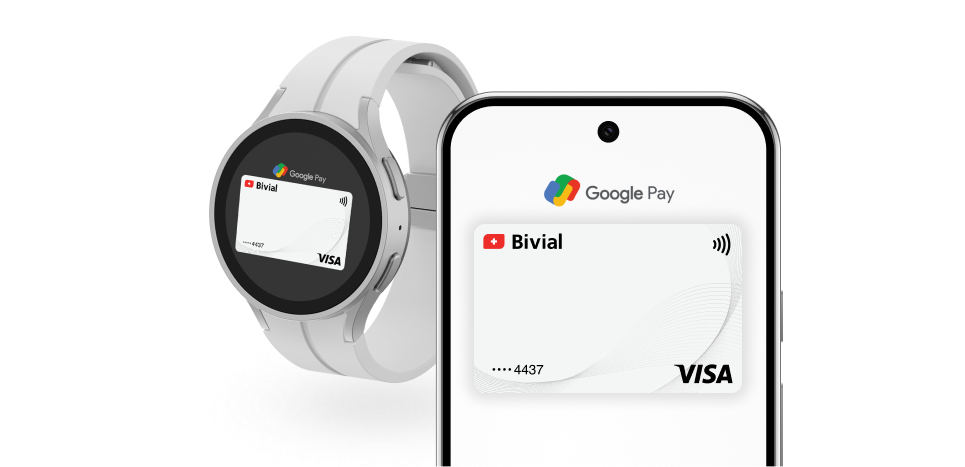
Completely Digital.
Google Pay lets you make secure, contactless payments in-store, and online by connecting your Bivial virtual card with your Android devices.
Secure.
Google Pay uses security technologies that encrypt your Bivial virtual card details and transaction history while your account can only be accessed using your passcode or face ID.
Easy to use.
It only takes a few minutes to get Google Pay up and running. Simply tap and pay in-store or in apps where you see the ‘Buy with Google Pay’ button.
How to add your card?
To start using Google Pay on your Android devices, simply download the Google Pay app from the Google Play Store and add your Bivial debit card details.
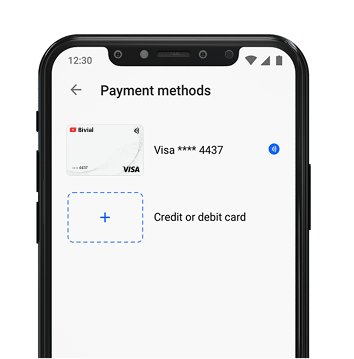
If you already have the Google Pay app installed on your device, just swipe up from the bottom and tap Add a card and then Debit or credit card. You can use your phone’s camera to capture your card info or just enter it manually.
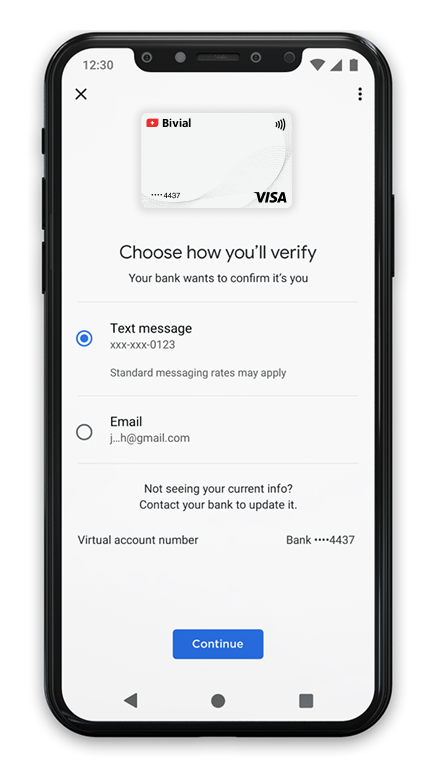
You will then need to review and Accept the Issuer terms. You may also be asked to verify your payment method, in which case you need to choose an option and follow the instructions to enter the verification code.
How to pay?
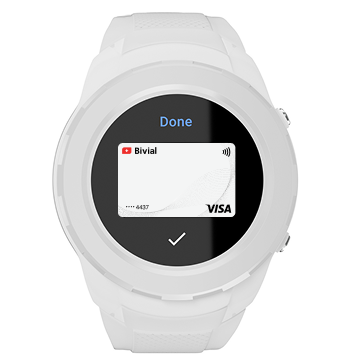
To pay with Google Pay in-store, simply hold your phone or smart watch near the payment reader and confirm the transaction with your password or face ID. To use Google Pay to pay in an app or website, simply tap on the Google Pay button at checkout.