
Your Swiss account. Now in your pocket.
Everything you manage in the Bivial Dashboard: accounts, payments, FX and cards, in one secure app. Same account, same services, wherever you are.


Bivial Authenticator is now the Bivial App – sign-in and approvals are built right in.

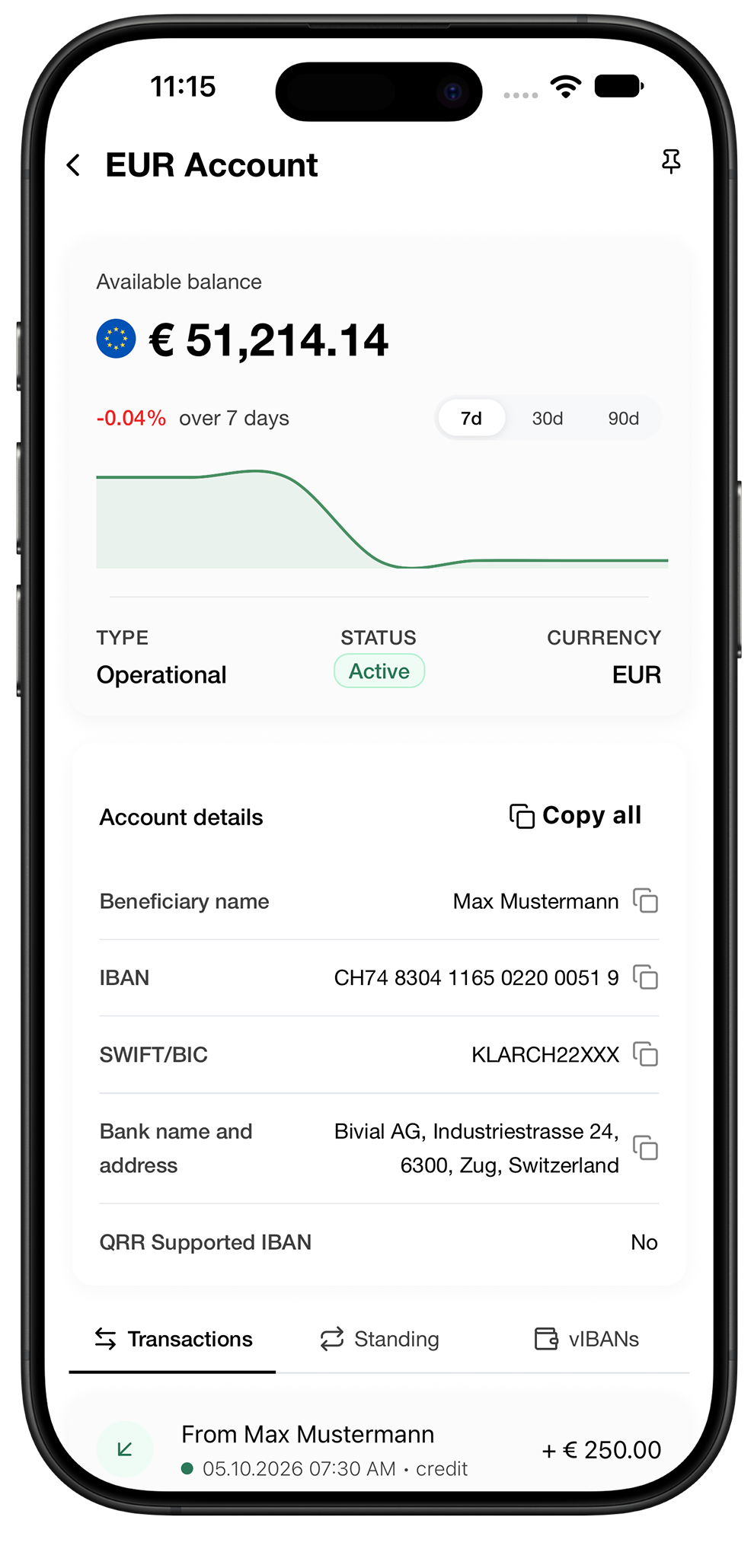
The Dashboard. On the go.
The app connects to the same account and services as the Bivial Dashboard. Start something at your desk and finish it from your phone.

Accounts and IBANs.
See balances across every currency, view IBAN details and share them in seconds.

Send payments.
Make international SWIFT and local payouts to your saved beneficiaries or new ones.

Convert currencies.
Exchange between your currency accounts at Bivial FX rates, right when you need to.

Manage cards.
Keep track of your virtual and physical cards and their spending, wherever you are.

Transactions.
Follow incoming and outgoing payments as they happen, with full transaction details.
Approvals.
Confirm logins, transfers and other sensitive actions with a single tap.
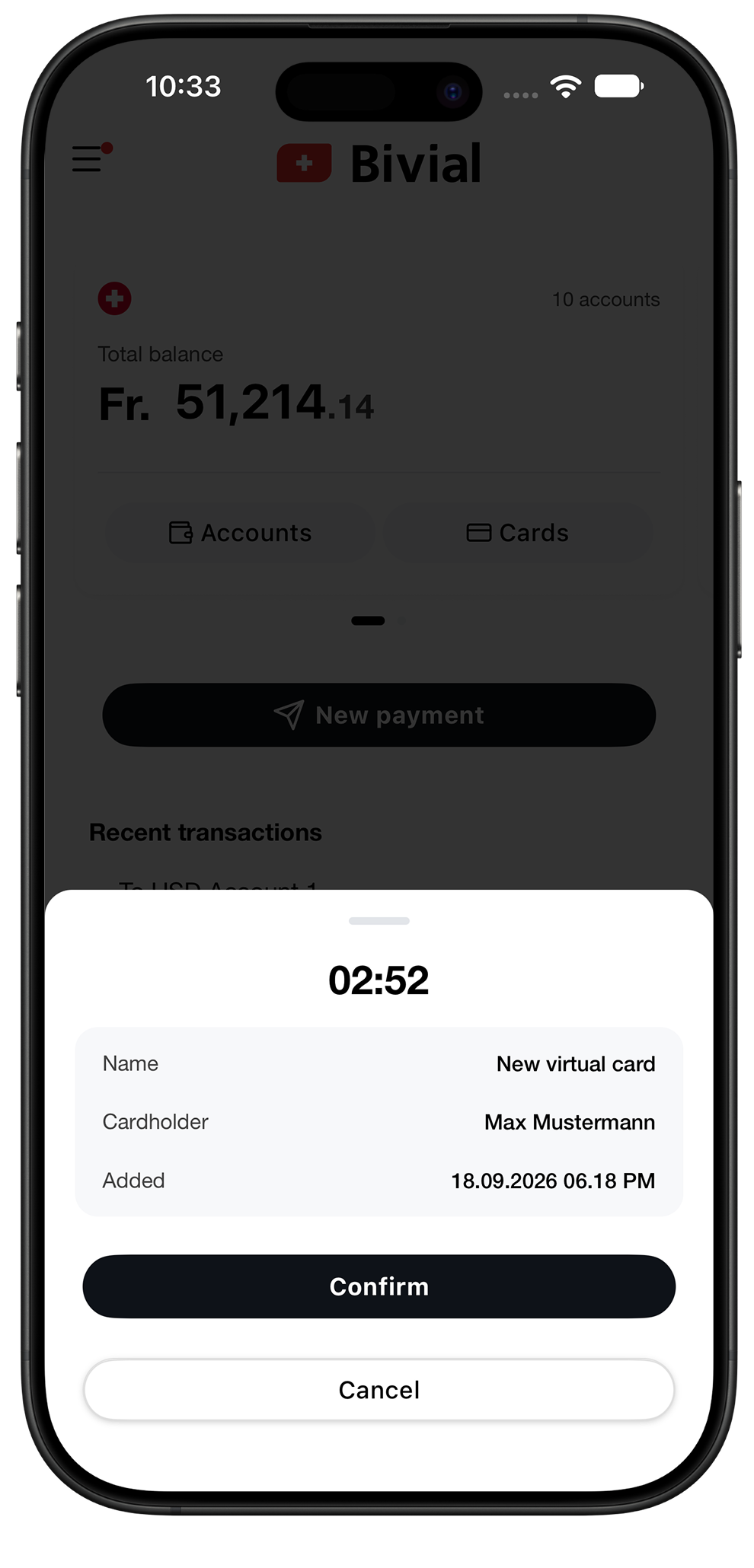
Approve with one tap.
The two-factor protection you know from Bivial Authenticator now lives inside the app. Get a push notification, review the action and confirm it from the app.

Push notifications.
Every login, transfer and sensitive change is sent to your phone for review.

Biometrics or PIN.
Confirm with Face ID, Touch ID, fingerprint or your personal PIN.

Nothing moves without you.
Review the amount, recipient and origin of each request before you approve.
Swiss-grade protection. Privacy at the core.
The app is held to the same regulatory and security standards as every Bivial account.
Up and running in minutes.
01
Download the app.
Get the Bivial App from the App Store or Google Play. Already have Bivial Authenticator? Just update it.
02
Sign in to your account.
Use your existing Bivial login. No separate account needed.
03
Secure it your way.
Turn on Face ID, fingerprint or a PIN – and your Dashboard is with you wherever you go.
FAQs.
Is the app different from the Bivial Dashboard?
No. The app connects to the same Bivial account and offers the same core services, designed for your phone. You can use both side by side.
What happened to Bivial Authenticator?
It has become the Bivial App. Confirming logins, transfers and other actions works just as before, now alongside your full account.
Which devices are supported?
The Bivial App is available for iOS on the App Store and for Android on Google Play.