
Apple Pay.
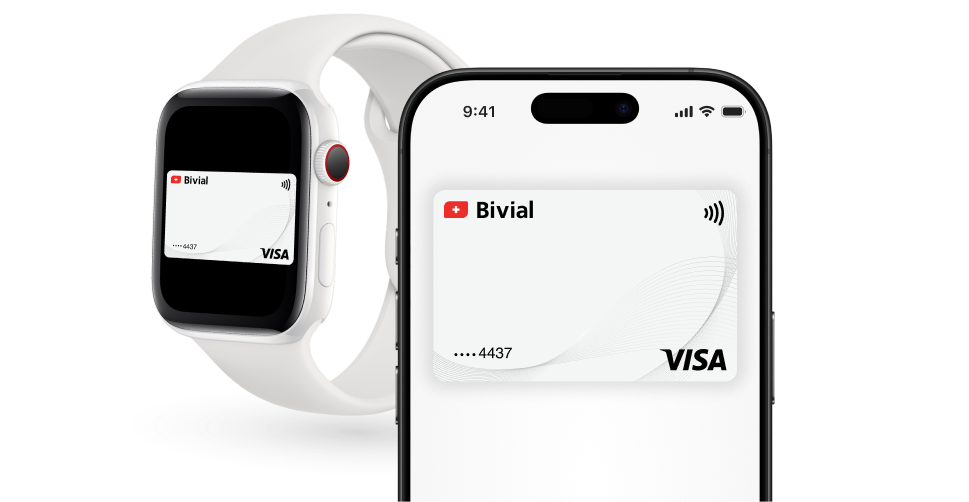
Effortlessly.
Your Virtual card is always at hand on your iPhone or Apple Watch. It takes a minute to set up and just a couple clicks to make purchases in stores and online.
Contactless.
Pay wherever contactless payments are available. Your card’s contactless payment limits apply.
Secure.
Each payment transaction is confirmed using Face ID or Touch ID. Apple Pay uses a device-specific number and a unique transaction code. So your card details are never stored on your device and Apple Pay doesn’t share them with merchants.
How to add your card?
To use Apple Pay with your iPhone, iPad or Apple Watch simply add your Virtual card to Apple Wallet on each device you’d like to use it with.
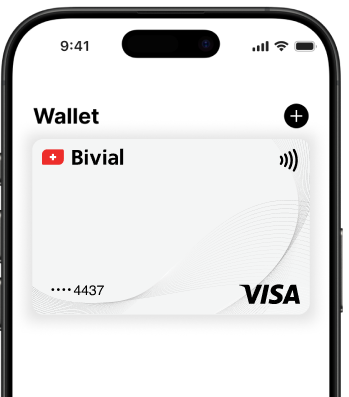
You can add your card to your iPhone through Apple Wallet Tap + and follow the onscreen instructions.
You can add your card to your Apple Watch through the Apple Watch app on your iPhone.
How to pay?
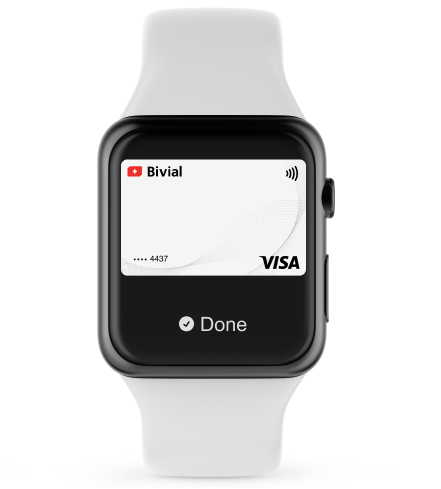
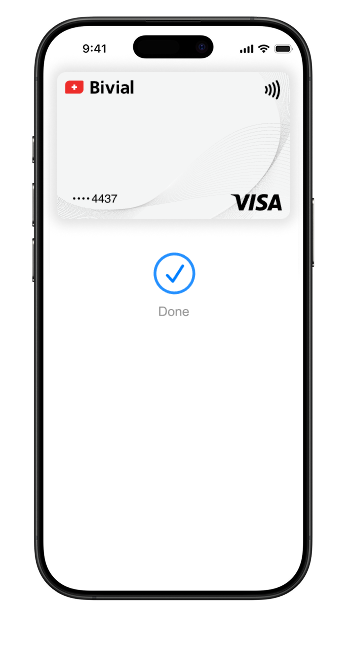
Apple Pay is accepted in any contactless terminals. Use Apple Pay for online purchases in apps and on the web when you see the Apple Pay sign or if Apple Pay is listed as one of the payment methods.